Tiny Desk AI guide
Photo tips for a better Tiny Desk AI video
Updated 2 November 2026
The render keeps the face you upload, so the photo decides how much the output has to work with. These are the choices that make the biggest difference, including what to do when you only have one good picture.
Start with the five roles
The generator needs five files: left singer, center singer, right singer, lead singer and saxophone player. Each role is a different position in the same 15-second cut, so a face that reads well at a distance matters as much as a close-up portrait.
What makes a good face photo
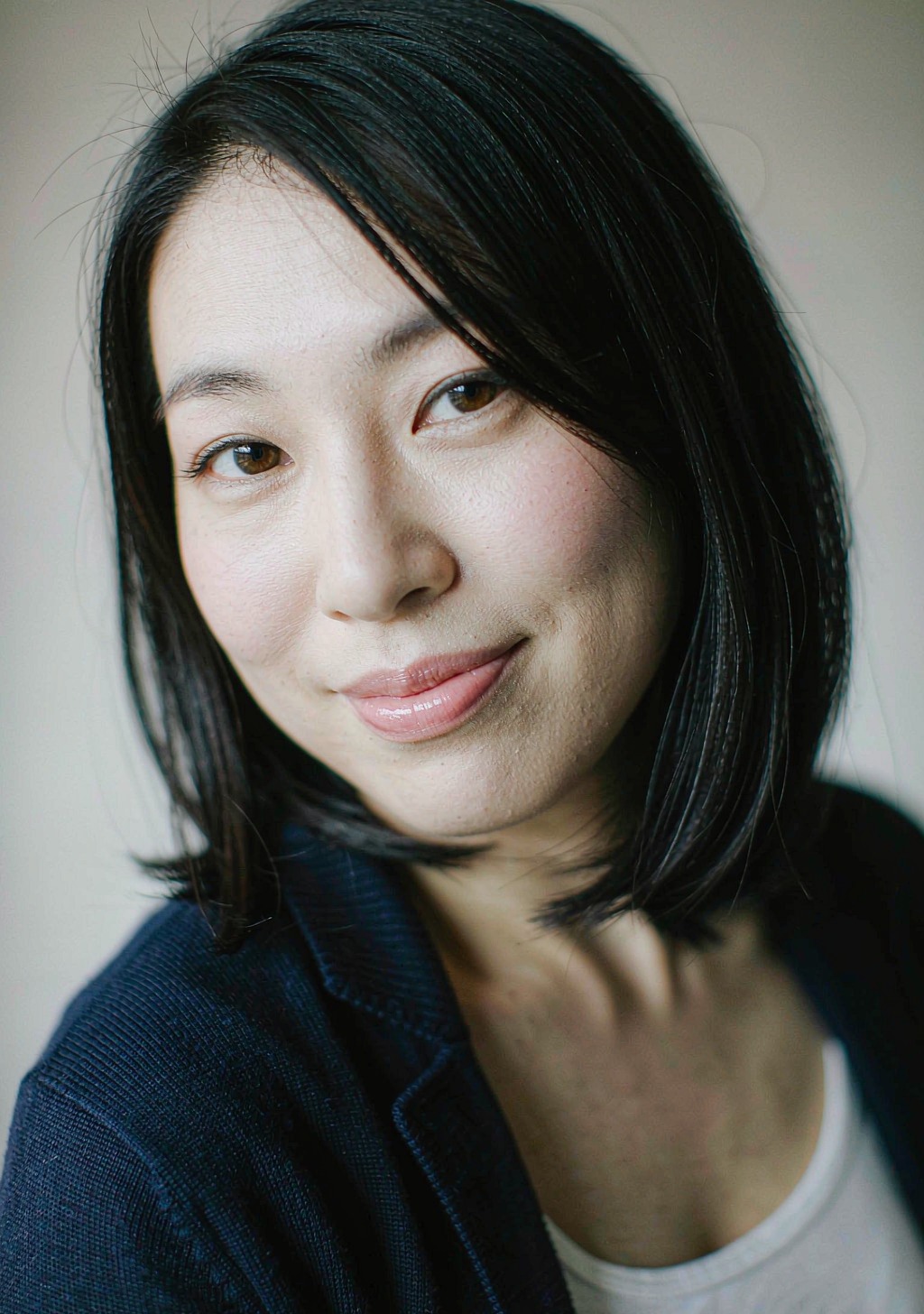
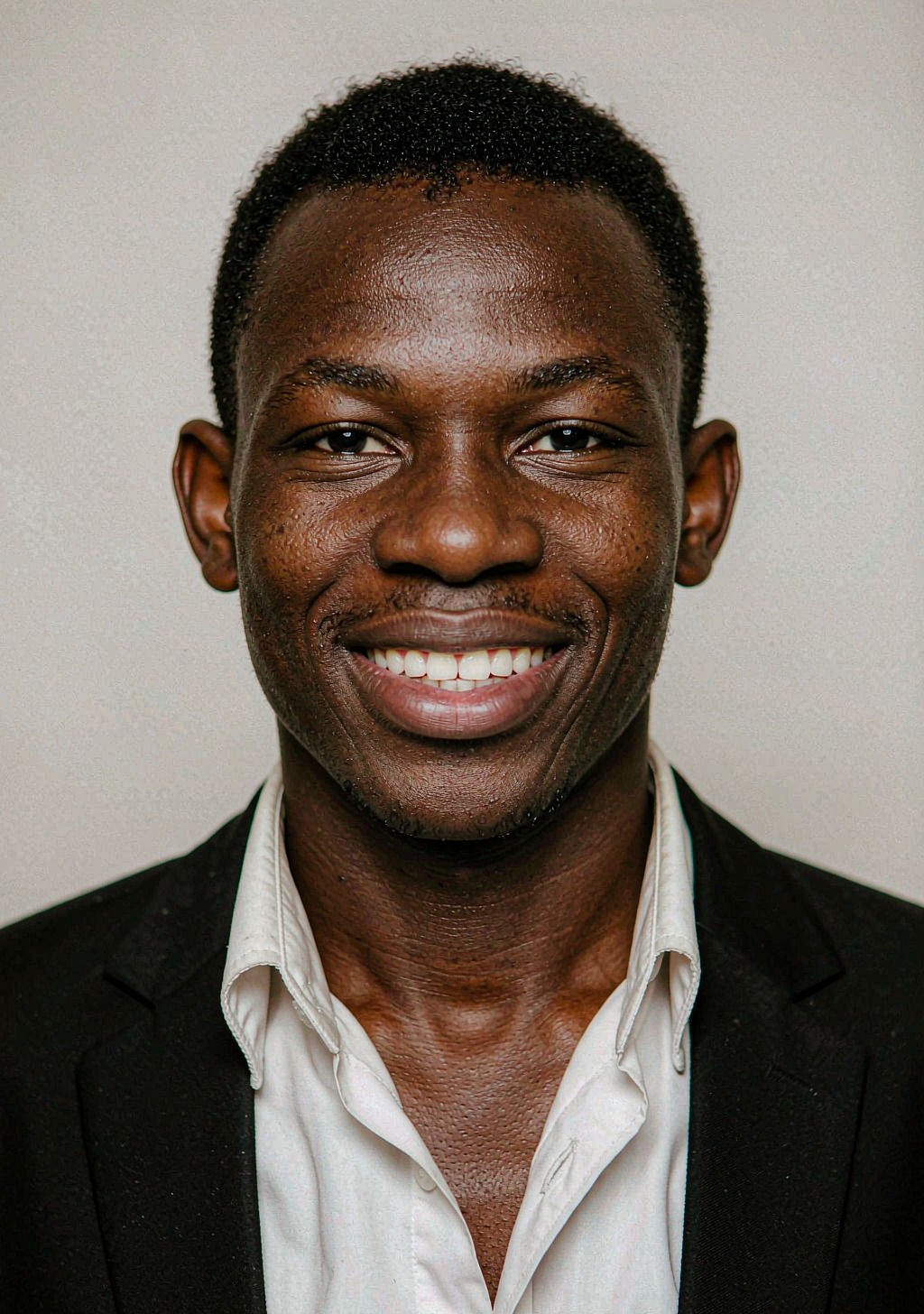
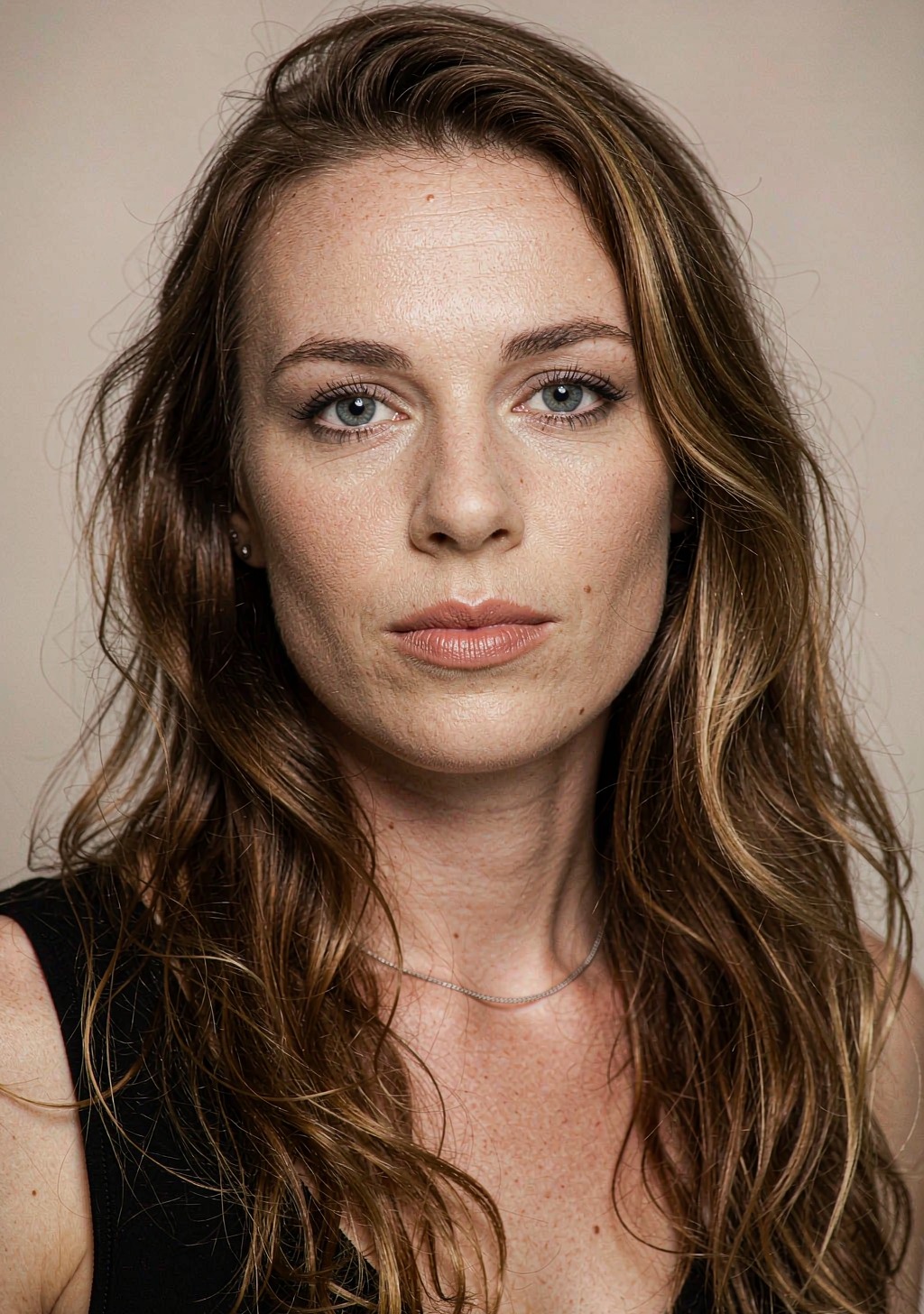
A clean phone portrait in daylight usually beats a dramatic low-light photo. The output adds the stage, the motion and the music; the photo only needs to carry the likeness.
- Front-on, eyes visible, mouth closed or neutral.
- Even light across the face; avoid a hard shadow on one side.
- No sunglasses, heavy filters or extreme wide-angle distortion.
- A face large enough to survive a crop; a tiny face in a group shot has less detail.
- JPG, PNG or WebP, up to 8 MB.
Group photos and teams
A group photo can be split across roles, but each face needs enough pixels. If the group is far from the camera, crop individual faces first, or take one closer photo per person.
For a team or a friend group, the strongest version is one clear photo per role. Five people from the same group chat look like a band that actually knows each other.
Pets
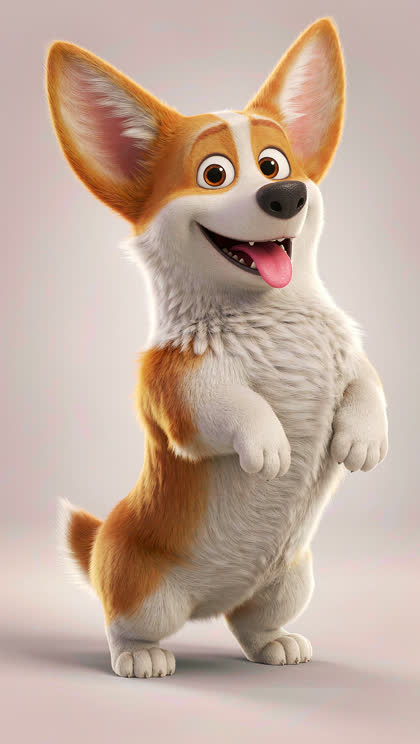
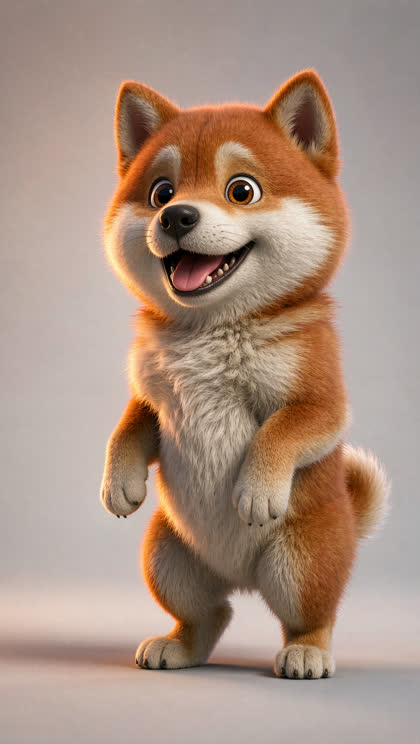
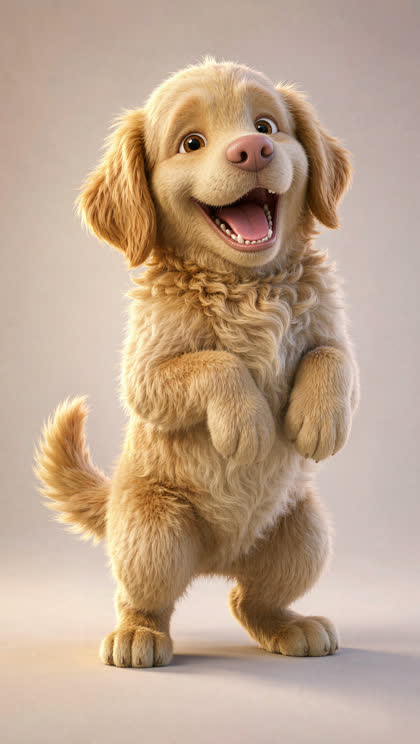
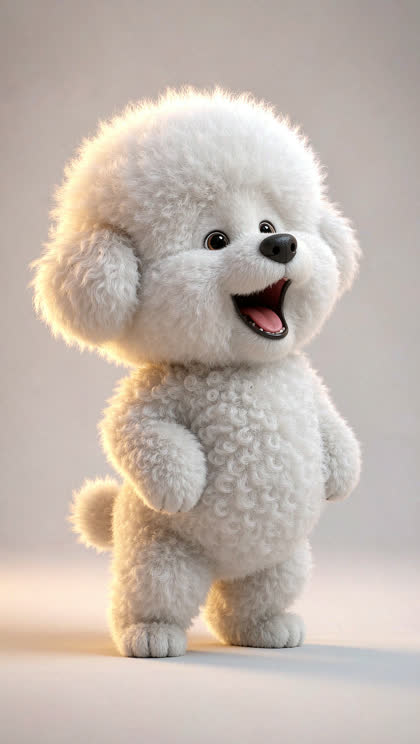
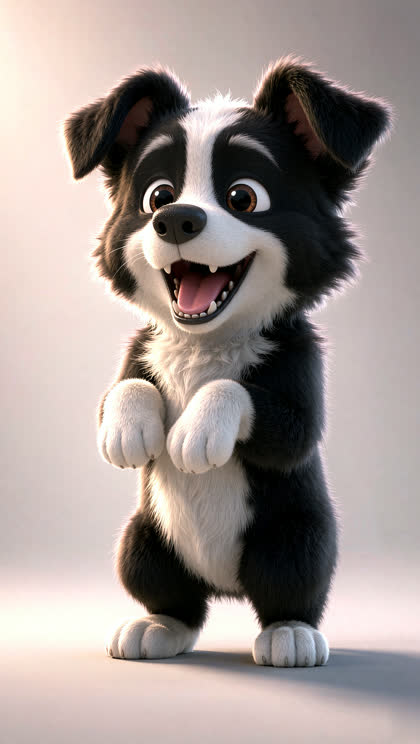
Pets are the most popular cast on this site. You do not need a human-style front-on face: a clear head, visible eyes and a recognizable silhouette are enough. Five different dogs work; so does one dog reused in all five roles.
When you only have one photo
Every slot needs a file, but it can be the same file. One group shot can fill the whole band, one portrait can sing three parts, and one pet photo can cover every role. The output will place the same face in each position; it will not invent a different person.
What gets a photo rejected
Uploads are screened before rendering. A rejected photo costs nothing. The full list is in our Content Standards.
- Anyone under 18.
- A real person you do not have permission to use, or an attempt to impersonate a public figure.
- Sexual, violent, hateful or harassing content.
- A photo you do not own or have the rights to use.
File rules
- Five slots, one file each.
- JPG, PNG or WebP.
- Up to 8 MB per file.
- Reusing one file in several slots is allowed.
If a render comes out weaker than you expected, the usual cause is a small, turned-away or heavily filtered face — not the model.
Put your five photos on the stage
One clear face per slot is enough. The stage, the camera moves and the soundtrack are already built.
Tiny Desk AI video generatorRelated Tiny Desk AI guides
TinyDesk Studio is an independent fan-made AI tool. It is not affiliated with, endorsed by or sponsored by NPR, NPR Music's Tiny Desk Concerts, Charlie Wilson or The Gap Band. "Tiny Desk" is a trademark of National Public Radio, Inc. Videos are AI-generated parodies and use an original soundtrack, not the song "Outstanding".