Add up to five photos — three singers, a lead and a saxophone — and get a 15-second vertical performance video with original music, filmed on a warm little record-store stage.
5 photos inPreview before you pay15s MP4 with musicNo watermark
No prompt writing · No watermark · Failed renders refunded automatically
Viral example9:16
Record-store studio · 15s · 9:16
Two photos in · music included
Make your Tiny Desk AI video
Five photos in, one finished performance out. The stage, the camera moves and the music are already produced — you only supply the band.
50 credits per video · 0 available
Left singer
Center singer
Right singer
Solo singer
Saxophone player
50 credits per video · 0/5 photos added
Your tiny desk session
Add five photos to start
Three singers wide, one close-up solo, one saxophone finish.
Example
Five photos in, one session out
The five stills below are the only thing the user uploaded. The room, the framing, the camera moves and the soundtrack were already produced.
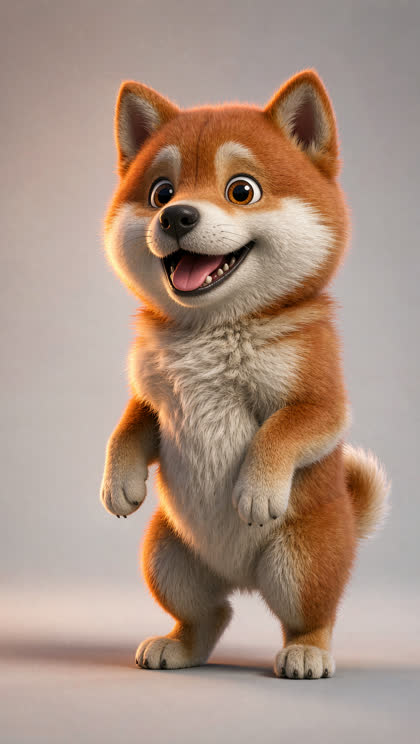
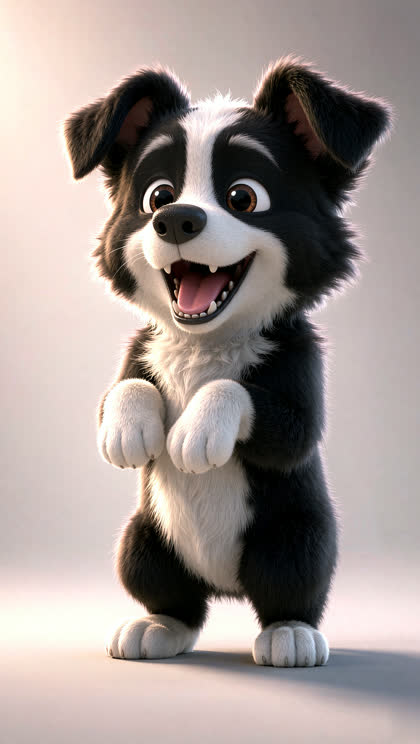
Five dogs · record-store studio
Sample session
The five photos in
Straight from a phone, nothing edited
Corgi
Shiba Inu
Golden retriever
Bichon
Border collie
15 seconds later
Record-store studio15s9:16
Five stills go in; the stage, the camera moves and the soundtrack are already built. Previewing a frame of your own set is not charged — the finished 15-second file is what you unlock.
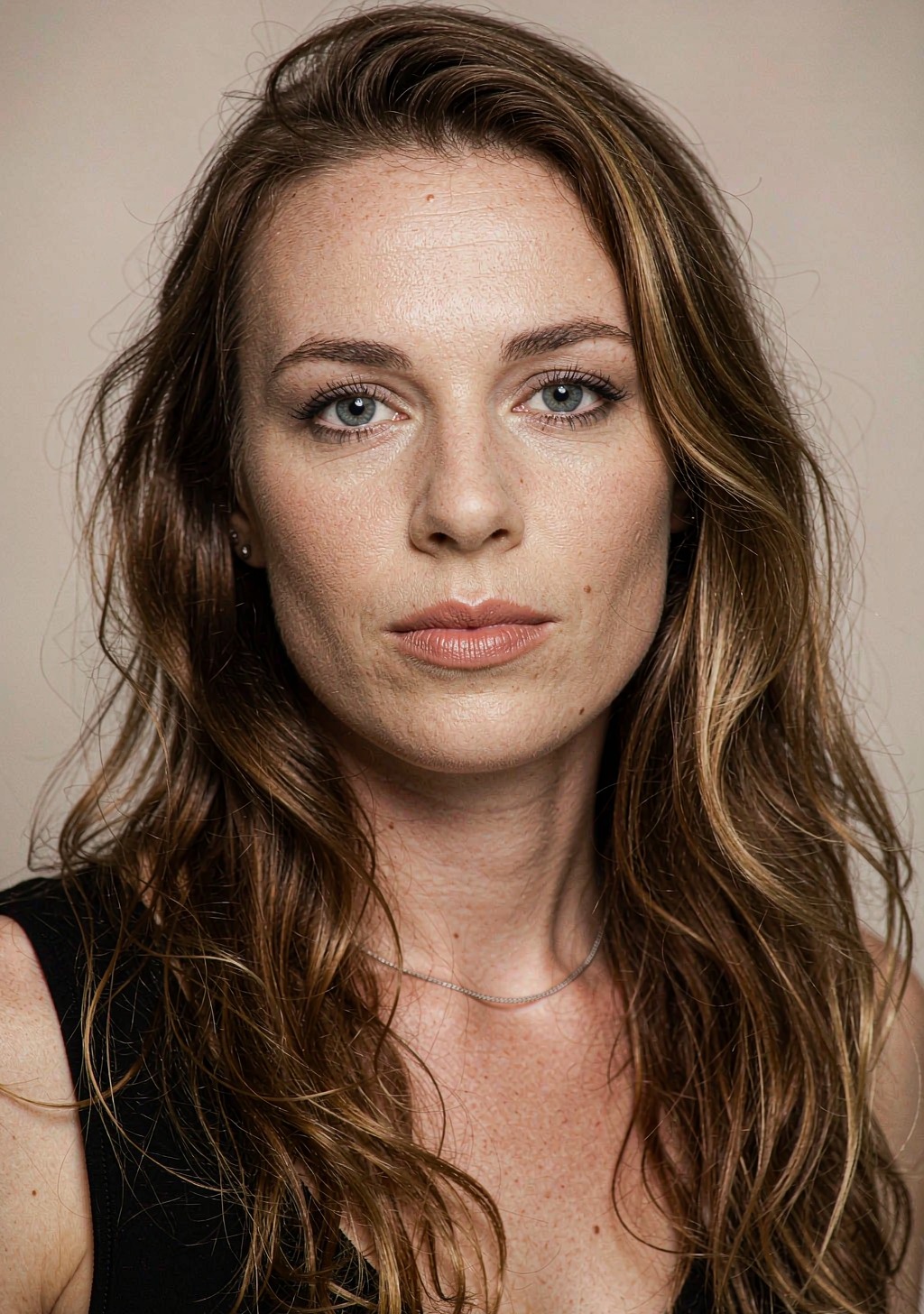
Five people · record-store studio
Sample session
The five photos in
Straight from a phone, nothing edited
Tokyo
Lagos
São Paulo
Paris
Mumbai
15 seconds later
Record-store studio15s9:16
Five stills go in; the stage, the camera moves and the soundtrack are already built. Previewing a frame of your own set is not charged — the finished 15-second file is what you unlock.
What this generator does
Everything up front: what you upload, what you get, how long it takes, what it costs.
Input
5 photos
Three group singers, a lead and a saxophone player. JPG, PNG or WebP up to 8 MB, one clear face each.
Output
15s MP4
9:16 vertical, original AI soundtrack, no watermark, saved in History and downloadable.
Time
3–6 min
The render runs on the server. You can close the tab and collect it from History.
Price
Preview, then pay
Generating a watermarked preview costs nothing. Unlocking the finished video is a one-time purchase: 50 credits = 1 video, sold as $5.99 (50 credits) / $9.99 (100) / $14.99 (200), valid 30 days.
Five photos, one button, no editing
The script is already written. You are only casting it.
1
Add your five photos
Left singer, center, right, lead and saxophone. Clear, front-on faces work best — reusing the same photo in several slots is fine.
→
2
Press generate
The stage, the lighting, the camera moves and the soundtrack are already produced. Nothing to configure.
→
3
Download and post
A 15-second vertical MP4 with music, delivered in 3–6 minutes. No watermark, yours to post.
What happens in your 15 seconds
Three camera setups, cut to one continuous track.
00:00
The wide shot
Three singers shoulder to shoulder in front of the record shelves, mouths open on the downbeat.
00:05
Push to the lead
The camera drifts in until the lead singer fills the frame, background falling into soft bokeh.
00:11
The saxophone
Cut to the closing solo: the sax player leans into the mic stand, the band still going behind.
00:15
Clean end
The clip lands on the last note — no fade, no watermark, ready to post.
Definition
What is a Tiny Desk AI video?
A Tiny Desk AI video is a 15-second vertical performance clip — three singers, a solo close-up and a saxophone finish — generated from five of your own photos. The set is a warm record-store stage with wooden shelves, a red analogue synth and a microphone stand; the music is original, so nothing you post touches a copyright claim.
The script, camera moves, lighting and soundtrack are produced once and reused for every video, so there is no prompt to write and no timeline to edit. You cast five roles, press one button, and receive a finished vertical MP4.
Five roles, five photos
Left, center and right singers, a lead, and a saxophone player.
No prompts
The blocking, lighting and grade are pre-tuned and locked.
Original soundtrack
An AI-composed soul-funk groove — not a licensed or covered song.
Vertical 9:16
720p MP4 sized for TikTok, Reels and Shorts.
No watermark
Every clip is clean and ready to post as your own.
One-time purchase
Credits are bought once. No subscription, no auto-renewal.
3–6 minutes
Most sessions finish in a few minutes, even if you close the tab.
Failed renders refunded
If a render cannot finish, credits return to your balance.
Under the hood
Why the output looks consistent
Most photo-to-video tools re-imagine the whole scene on every run, so two videos from the same upload never look alike. Here the set is generated once, reviewed, and then frozen as a fixed background plate for every job.
Each job only does one thing: place your five subjects onto that plate, then animate it. That is why the room, the props and the light stay identical between your video and the example above.
One locked set
Three plates — wide, close-up, saxophone angle — from the same room.
Your faces, kept
Each upload is used as the reference for its own role.
One continuous track
The same 15-second groove runs under all three cuts.
Same grade every time
Warm amber practicals and light film grain, baked into the plates.
Who makes these?
Anyone with five photos and a group chat.
Friend groups
Cast the whole group chat as a band that never rehearsed.
Pets
Five dogs, five roles. The most popular version by far.
Teams
A leaving gift, an offsite opener, or a launch announcement.
Creators
A repeatable format you can post weekly without re-editing.
Your sessions
Previews and unlocked videos from this browser. Renders keep going if you close the page.
Not signed in
Sign in to buy credits and unlock videos
No sessions yet. Add five photos to start.
Credits, bought once
One finished video costs 50 credits. Generating a preview is not charged. Credits are a one-time purchase — not a subscription, never auto-renewed — and stay valid for 30 days.
50 credits unlock one finished video. Credits are bought once, never auto-renew and expire 30 days after purchase. If a render fails or is rejected by content review, the credits return to your balance. Purchases are subject to the Terms of Service and Content Standards. · Balance: 0 credits · 50 credits unlock one video.
Tiny desk questions
What you upload, what you get, and what the render actually looks like.
What exactly do I upload?
Five photos, one per role: left singer, center singer, right singer, lead singer and saxophone player. JPG, PNG or WebP up to 8 MB. A clear, front-facing face in each one works best.
Can I upload fewer than five photos?
You can reuse the same photo in several slots — the same person can sing three parts, or one photo can fill the whole band. Every slot still needs a file before the render starts.
How do I make the exact Outstanding Tiny Desk video with the original song?
You don't get the original Outstanding recording from us — it is never used, sampled or covered. Every render is built from your five photos and carries a 15-second soul-funk groove composed by an AI music model for this template. If you want that specific song in the video, download the watermark-free MP4 and lay your own audio under it in an editor; the file you get has no rights attached to anyone else's track.
How long does a render take?
Usually 3–6 minutes: three keyframes, three video clips, then the final cut with the soundtrack. You can close the page — the job keeps running and appears in History.
Does the video have sound?
Yes. A continuous 15-second track runs under all three cuts, so the edits land on the music rather than on arbitrary frames.
What happens if a render fails?
Credits go back to your balance automatically. Nothing is lost and there is no ticket to open.
How do credits work?
One finished video costs 50 credits. Credits are sold once — $5.99 for 50, $9.99 for 100, $14.99 for 200 — and stay valid for 30 days. Generating a preview uses no credits, and there is no subscription or auto-renewal.
What am I not allowed to generate?
Sexual or NSFW content, violence and gore, hate and harassment, anything involving a minor, deepfakes or impersonation of a real person, and material that infringes copyright or trademark. Every uploaded photo and every generated frame is screened before rendering; blocked renders are not charged. The full list is on the Content standards page.
Which models generate the video?
Black Forest Labs FLUX 3 for the still frames and for image-to-video, ACE-Step for the soundtrack. The model and resolution are recorded in each job's metadata.
Is AI-generated content allowed on social platforms?
Yes, but disclose it. TikTok, Instagram and YouTube all require synthetic-media labels, and the platform toggle takes two seconds — the video still performs the same.
What happens to my photos?
They are stored under random private paths for the duration of the render and used only to build your video. They never appear in a public gallery, and no example on this site uses a customer's photos.
Put your five on the stage
Five photos, one button, one finished fifteen-second performance with its own soundtrack.