Tiny Desk AI guide
How to make a Tiny Desk AI video in three steps
Updated 2 November 2026
There is no prompt to write and no timeline to edit. The set and the soundtrack are already built, so the only input is five photos. Here is the whole path, including what to do when a photo or a render does not work.
The five slots, and what goes in each
The generator needs one file per role before it starts. The roles are positions in the same 15-second cut, so the same face can appear in more than one of them.
- Left singer — the left side of the wide shot.
- Center singer — the middle of the group.
- Right singer — the right side of the wide shot.
- Lead singer — the close-up at 00:05.
- Saxophone player — the closing solo at 00:11.
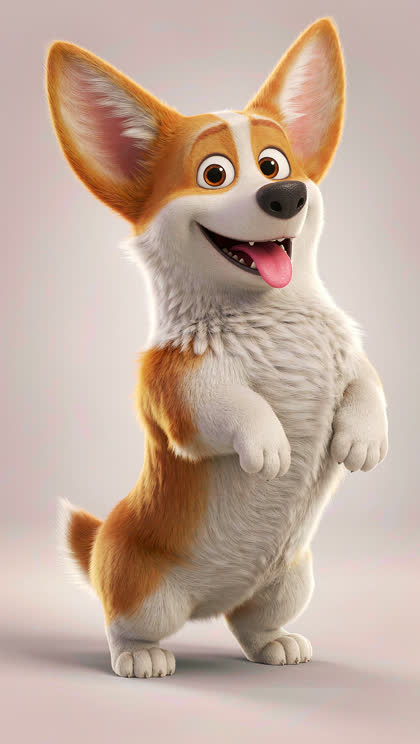
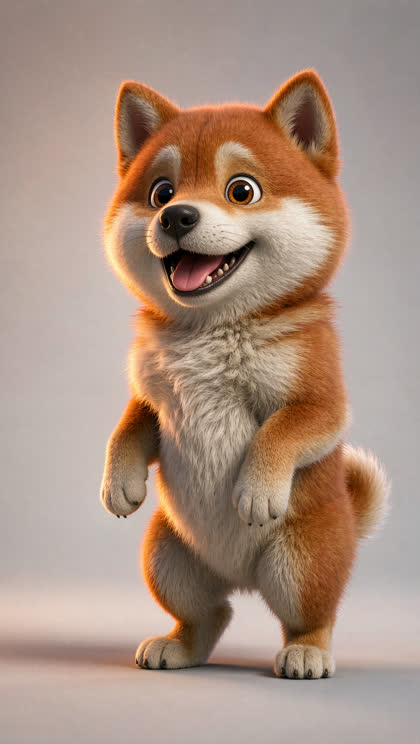



Before you upload: what makes a good photo
The render keeps the face from each upload, so a small or turned-away face has less to work with. A clean phone portrait is better than a heavily filtered one.
- Front-on face, eyes visible, no sunglasses.
- Even light; avoid a strong shadow across one side.
- One clear subject per photo where possible; group shots work if each face is large enough.
- JPG, PNG or WebP, up to 8 MB.
- Only photos you have permission to use, and no photos of anyone under 18.
Step 1 — Fill the five slots
Open the generator and add one photo to each role. You can drag a file onto a slot or click it and choose from your device. Each slot shows which role it plays, so you always know where the face will land.
If you only have one good photo, reuse it. The same face can sing three parts; the output will still place it in each role. You do not need five different people.
Step 2 — Generate the preview
Press Generate preview. The preview is the first frame of your session and it is not charged; you do not need credits or a subscription to see it.
The job runs on the server. You can close the tab and come back: the preview and the session both appear in History on this device.
A preview that is blocked by content review costs nothing. If a photo fails the automated check, the job stops before any credit is spent.
Step 3 — Unlock and download
A finished video costs 50 credits. The packs are $5.99 for 50 credits, $9.99 for 100 and $14.99 for 200, bought once and valid for 30 days. There is no subscription and no auto-renewal.
Unlocking renders the motion, the music and a clean MP4 with no watermark. It usually takes 3–6 minutes; you can leave the page and download it from History when it is ready.
What you get
- 15-second MP4
- 9:16 vertical, 720p
- Original AI-composed soul-funk soundtrack
- No watermark
- One finished video per 50 credits
What can go wrong, and what to fix
- A face is turned away or too small → try a front-on portrait.
- Two people in one photo → crop to one face, or use a group shot deliberately.
- A photo of a minor, a public figure without consent, or a deepfake attempt → blocked by content review; nothing is charged.
- A render fails → the 50 credits return to your balance automatically.
- A file is over 8 MB → export a smaller JPG or WebP.
Post it correctly
The clip is vertical 9:16, sized for TikTok, Reels and Shorts. Use the platform's AI-generated content toggle before you publish, and do not present the video as real footage.
The preview is the first frame of your own session. The finished video is the only paid step.
Start with your five photos
The preview costs nothing. You only pay when you unlock the finished 15-second file.
Tiny Desk AI video generatorRelated Tiny Desk AI guides
TinyDesk Studio is an independent fan-made AI tool. It is not affiliated with, endorsed by or sponsored by NPR, NPR Music's Tiny Desk Concerts, Charlie Wilson or The Gap Band. "Tiny Desk" is a trademark of National Public Radio, Inc. Videos are AI-generated parodies and use an original soundtrack, not the song "Outstanding".